


30 day satisfaction guarantee.

Know when your air needs attention
Most air quality monitors bury you in numbers. AirCube does the opposite.
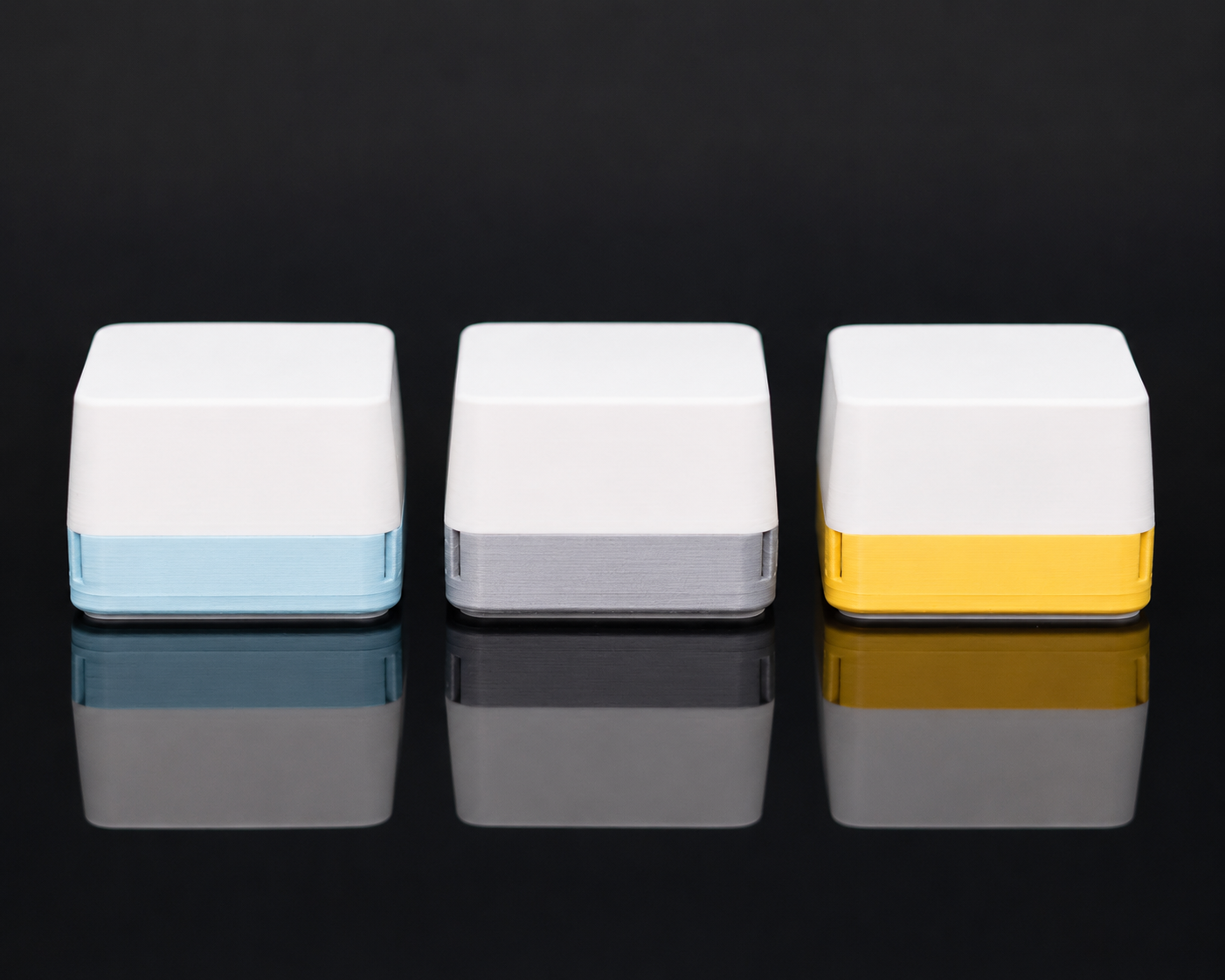
Green means air looks good.
Yellow means it may be time to ventilate.
Red means your air needs attention.
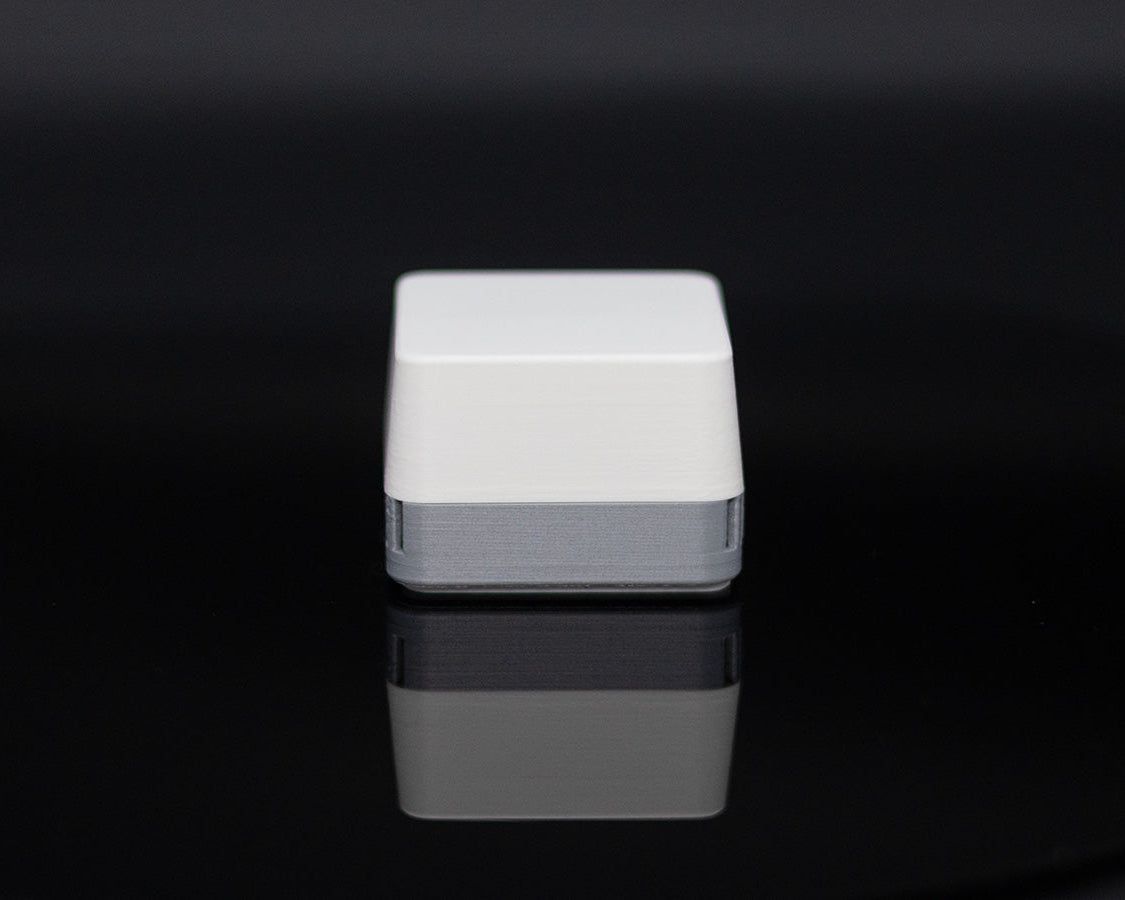
Put it on your desk, shelf, nightstand, or workbench and check your air at a glance, no dashboard required.

Use it your way
Standalone: Just plug it in. No subscriptions, no account, and no Wi-Fi required. AirCube gives you a simple color signal you can read at a glance.
Home Assistant: Pair it over Zigbee to monitor VOC Levels, temperature, humidity, and CO2 (pro only) on your dashboard. Build automations, track trends, and compare air quality from room to room.
Windows app: Use the free Windows app to view live readings and historical graphs. No subscription required.
iOS and Android apps: No subscriptions, completely free, all local data. Set up alerts for air quality. Track multiple AirCubes. Export your data into a CSV file and much more.
Open-source. No cloud. No data collection.
Your data stays yours.

Made for the rooms that matter most
AirCube helps you notice air quality changes in the places where you actually live and work.
Use it in your office, bedroom, workshop, kitchen, or near a 3D printer to catch changes you would otherwise miss.
When the color changes, you know it is time to open a window, turn on a fan, or pay attention to what is affecting the room.

More things affect your air than you think
Cooking. Cleaning sprays. Candles. Soldering. 3D printing. Fresh paint. Adhesives. Even spending hours in a closed room.
Most of these changes are invisible, but they still affect the air around you.
AirCube makes those changes visible, so you can spot patterns, compare rooms, and respond before the room starts to feel stale.

Base vs Pro
Base model senses:
- Equivalent CO2 (VOC derived)
- VOC levels
- Temperature
- Humidity
Pro model senses:
- Everything base model plus:
- NDIR CO2
- Ambient light (with auto dim)
Technical specifications (if you want them)
| Feature | Details |
|---|---|
| Sensors | Base model: ENS16x (VOC), ENS210 (Temperature, Humidity) Pro adds SCD41 (CO2), VCNL4040 (ambient sensor) |
| Microcontroller | ESP32-H2 |
| LED | IN-PI15TAT5R5G5B Addressable RGB |
| Power | USB-C (5V) |
| Dimensions | 49 mm × 49 mm × 36 mm |
| Firmware | Open source (available on GitHub) |
| Enclosure | 3D-printed PLA with diffused top |
| Connectivity | USB-C for data and power + native ESP32H2 protocols |
| Home Assistant | ZHA and Zigbee2MQTT supported |

Hi! I'm Damian
I design, build, and ship every AirCube from my workshop in Texas.
On top of that, I run a YouTube channel with roughly 90K subscribers called "StuckAtPrototype". You can check it out at the link below.
https://www.youtube.com/@stuckatprototype
Thanks for your support. I will make sure to do everything in my power to make your experience as seamless as possible. Also, feel free to reach out to me at contact@stuckatprototype.com if you have any questions!
You may also like
-
AirCube - Air quality you can see
Regular price From $59.00 USDRegular priceUnit price per$64.00 USDSale price From $59.00 USDSale -
Micro Racer Kit
Regular price From $89.99 USDRegular priceUnit price per -
AirCube - Populated PCB
Regular price From $39.00 USDRegular priceUnit price per -
Entrepreneurs Clock
Regular price $199.00 USDRegular priceUnit price per


