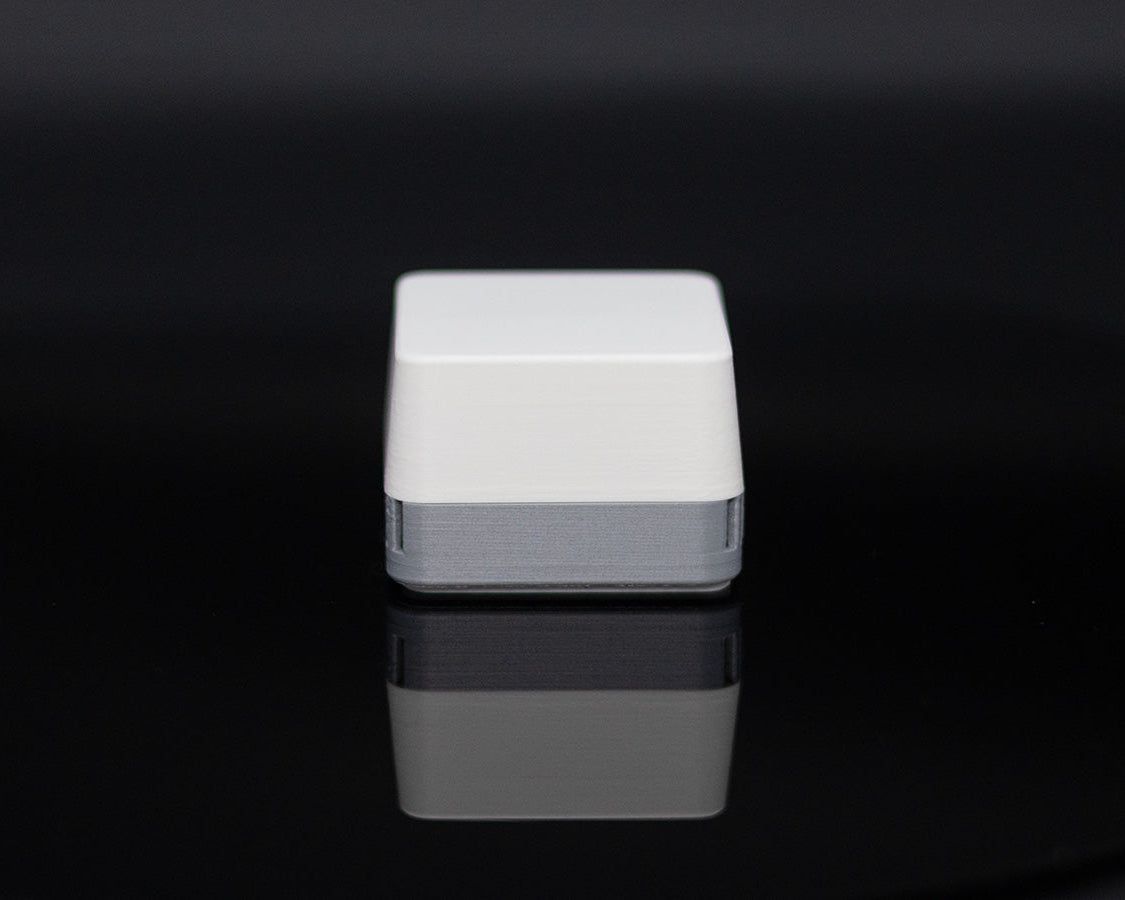
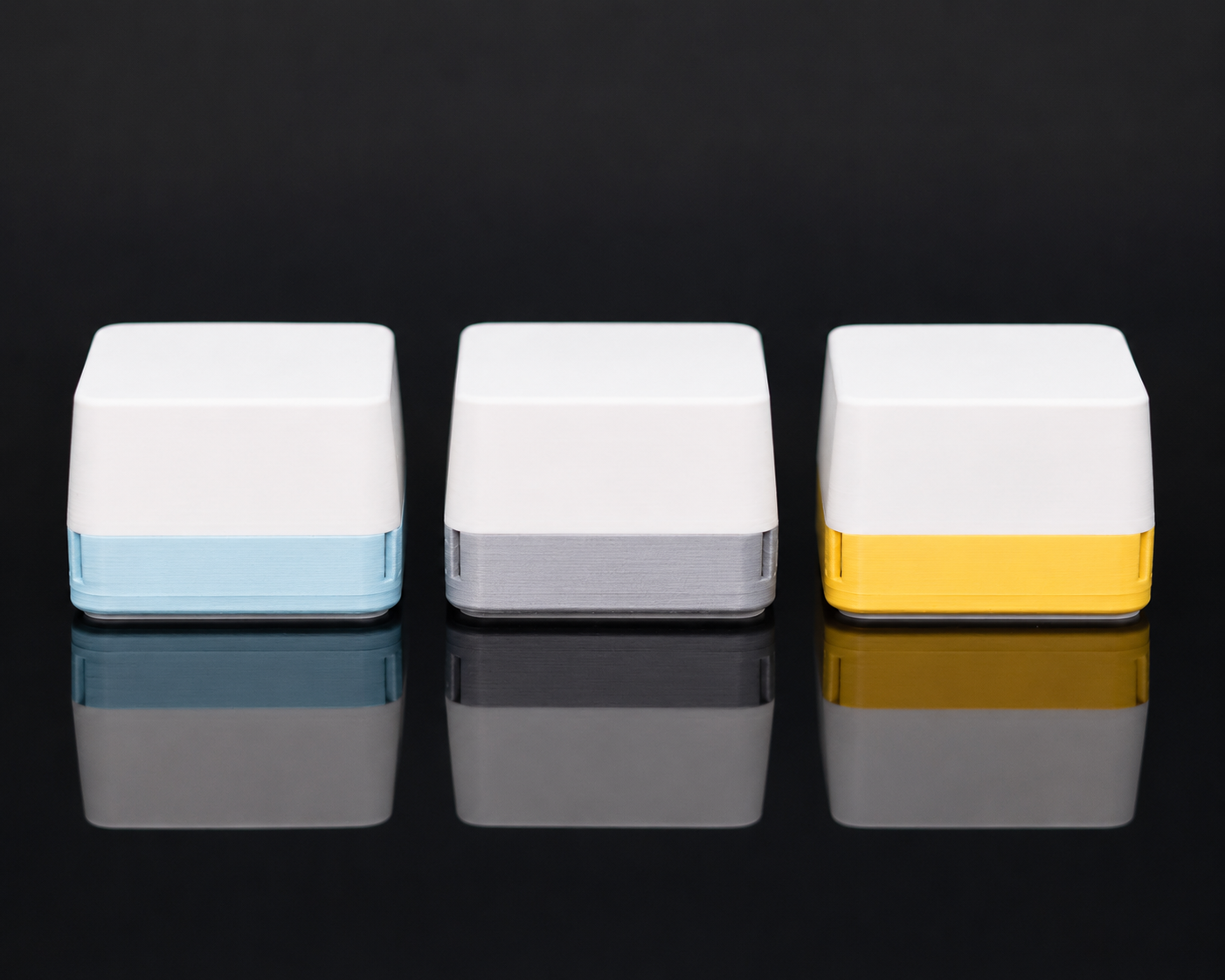
AirCube - Air quality you can see
Save 10% on 2+ | Save 20% on 4+ | Ships free $99+
Couldn't load pickup availability
✔ Hand-assembled in Texas
✔ 30-day satisfaction guarantee
Finally see the air you're breathing.
One glance across the room: green, yellow, red. No cloud, no account, no subscription. Plug it in and it just works.
Base: VOC, temp, humidity and eCO2 (derived from VOC) - Catches the spikes you create all day: cooking, cleaning, paint, off-gassing furniture, a room gone stale.
Pro: everything in Base, plus true CO₂ + a glow that dims itself at night - Adds the air you can't smell: CO₂ climbing in a closed room while you sit there.
Completely open sourced. Your data stays local, always yours. Home Assistant over Zigbee or the free Windows app.
Base ships now · Pro preorder, ships July 31
Save 10% on 2+
Save 20% on 4+
Free shipping $99+
Share

30 day satisfaction guarantee.
If you are not thrilled with your AirCube, email contact@stuckatprototype.com
and return it within 30 days of delivery for a full refund. No questions asked.
Know when your air needs attention
Most air quality monitors bury you in numbers. AirCube does the opposite.
Green means air looks good.
Yellow means it may be time to ventilate.
Red means your air needs attention.
Put it on your desk, shelf, nightstand, or workbench and check your air at a glance, no dashboard required.
Use it your way
Standalone: Just plug it in. No subscriptions, no account, and no Wi-Fi required. AirCube gives you a simple color signal you can read at a glance.
Home Assistant: Pair it over Zigbee to monitor VOC Levels, temperature, humidity, and CO2 (pro only) on your dashboard. Build automations, track trends, and compare air quality from room to room.
Windows app: Use the free Windows app to view live readings and historical graphs. No subscription required.
Open-source. No cloud. No data collection.
Your data stays yours.
Made for the rooms that matter most
AirCube helps you notice air quality changes in the places where you actually live and work.
Use it in your office, bedroom, workshop, kitchen, or near a 3D printer to catch changes you would otherwise miss.
When the color changes, you know it is time to open a window, turn on a fan, or pay attention to what is affecting the room.
More things affect your air than you think
Cooking. Cleaning sprays. Candles. Soldering. 3D printing. Fresh paint. Adhesives. Even spending hours in a closed room.
Most of these changes are invisible, but they still affect the air around you.
AirCube makes those changes visible, so you can spot patterns, compare rooms, and respond before the room starts to feel stale.
Base vs Pro
Base model senses:
- Equivalent CO2 (VOC derived)
- VOC levels
- Temperature
- Humidity
Pro model senses:
- Everything base model plus:
- NDIR CO2
- Ambient light (with auto dim)
Technical specifications (if you want them)
| Feature | Details |
|---|---|
| Sensors | Base model: ENS161 (VOC), ENS210 (Temperature, Humidity) Pro adds SCD41 (CO2), VCNL4040 (ambient sensor) |
| Microcontroller | ESP32-H2 |
| LED | IN-PI15TAT5R5G5B Addressable RGB |
| Power | USB-C (5V) |
| Dimensions | 49 mm × 49 mm × 36 mm |
| Firmware | Open source (available on GitHub) |
| Enclosure | 3D-printed PLA with diffused top |
| Connectivity | USB-C for data and power + native ESP32H2 protocols |
| Home Assistant | ZHA and Zigbee2MQTT supported |
Frequently Asked Questions
Does it really work right out of the box?
Yes. Plug AirCube into any USB-C port or adapter. Within seconds the LED responds to your air. No account to create, no Wi-Fi to configure, no hub to buy. Most air quality monitors take multiple attempts to set up. AirCube skips all of that.
Do I need Home Assistant to use AirCube?
No. AirCube works great on its own as a simple color-based air monitor. Home Assistant is optional.
How accurate is it?
AirCube Base uses the ENS161 for VOC-based indoor air quality and the ENS210 for temperature and humidity.
AirCube Pro adds a true NDIR CO₂ sensor for real carbon dioxide measurements, not estimated CO₂. Both versions are designed for practical indoor air awareness, not laboratory-grade measurement.
What does the color actually mean?
Green means your air quality is in a normal range. Yellow means VOC levels are elevated. Consider opening a window or turning on a fan. Red means your air needs immediate attention. Ventilate the space. You don't need to interpret a number or look anything up. The color is the answer.
Can I turn off the light?
Yes. You can adjust the brightness using the button on the back of the AirCube, or through Home Assistant if you have it connected.
AirCube Pro also includes ambient light detection, so it can automatically dim at night.
Is it really open sourced?
Yes! You can find all the schematics, code and mechanical files here: https://github.com/StuckAtPrototype/AirCube
What can cause the color to change?
More than you'd expect. Cooking fumes, cleaning products, candles, 3D printing, soldering, fresh paint, adhesives, new furniture off-gassing, even just breathing in a closed room for a few hours. AirCube makes those invisible shifts visible.
Does it need Wi-Fi or a phone?
No. AirCube works completely offline. There is no cloud, no subscription, and no data leaves the device. If you want deeper data, you can connect it to Home Assistant over Zigbee or view live readings on a PC with the free Windows app. Neither is required.
Where should I put it?
Wherever you spend the most time. Your desk, bedroom nightstand, kitchen counter, or workshop bench. Most customers start with one and add more. The popular setup is bedroom + office + workshop
What's it made of? Where does it come from?
Every AirCube is designed and hand-assembled by me (Damian) and my wife (Marcela) in my workshop in Leander, Texas. The enclosure is 3D-printed PLA, the firmware is open source, and when you email support, you're talking directly to the person who built your unit.
What if I don't like it?
Email me at contact@stuckatprototype.com, and I will send you a return label. Return it within 30 days for a full refund. No questions asked.
When will the PRO version ship?
We are aiming to ship July 31st, 2026. That said, if anything changes, we will keep you posted. You can cancel at any time by reaching out to us at contact@stuckatprototype.com
Hi! I'm Damian
I design, build, and ship every AirCube from my workshop in Texas.
On top of that, I run a YouTube channel with roughly 90K subscribers called "StuckAtPrototype". You can check it out at the link below.
https://www.youtube.com/@stuckatprototype
Thanks for your support. I will make sure to do everything in my power to make your experience as seamless as possible. Also, feel free to reach out to me at contact@stuckatprototype.com if you have any questions!
AirCube Launch YouTube Video
You may also like
-
AirCube - Air quality you can see
Regular price From $59.00 USDRegular priceUnit price / per$64.00 USDSale price From $59.00 USDSale -
Micro Racer Kit
Regular price From $89.99 USDRegular priceUnit price / perSale price From $89.99 USD -
AirCube - Populated PCB
Regular price From $39.00 USDRegular priceUnit price / perSale price From $39.00 USD -
Entrepreneurs Clock
Regular price $199.00 USDRegular priceUnit price / perSale price $199.00 USD